Ask AIVA by Acord AI

Ask a Question.
Find the Context You Need.

Ask AIVA helps insurance teams explore approved documents, summarize information, and prepare responses while keeping source context and human judgment at the center.
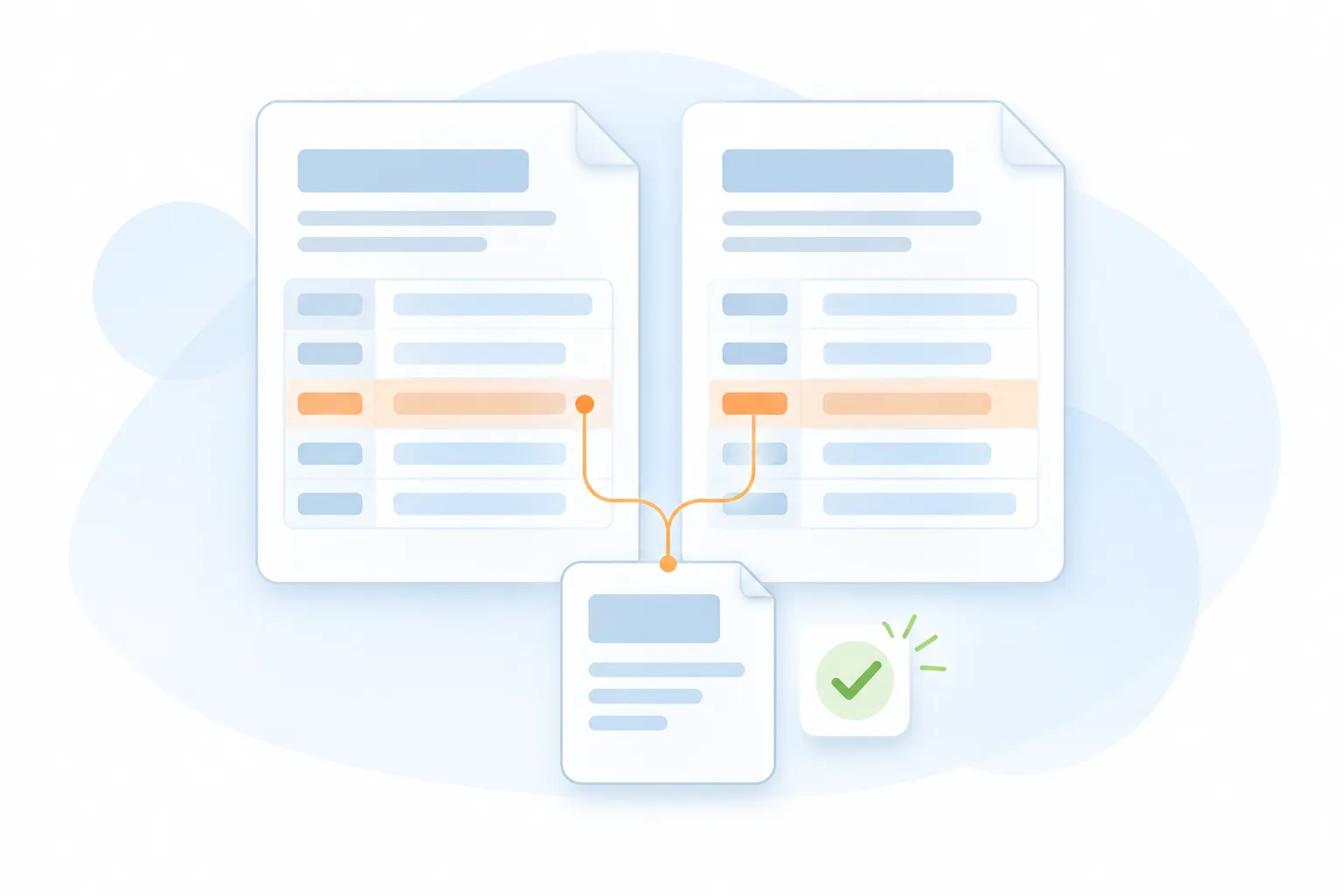
Email Intake
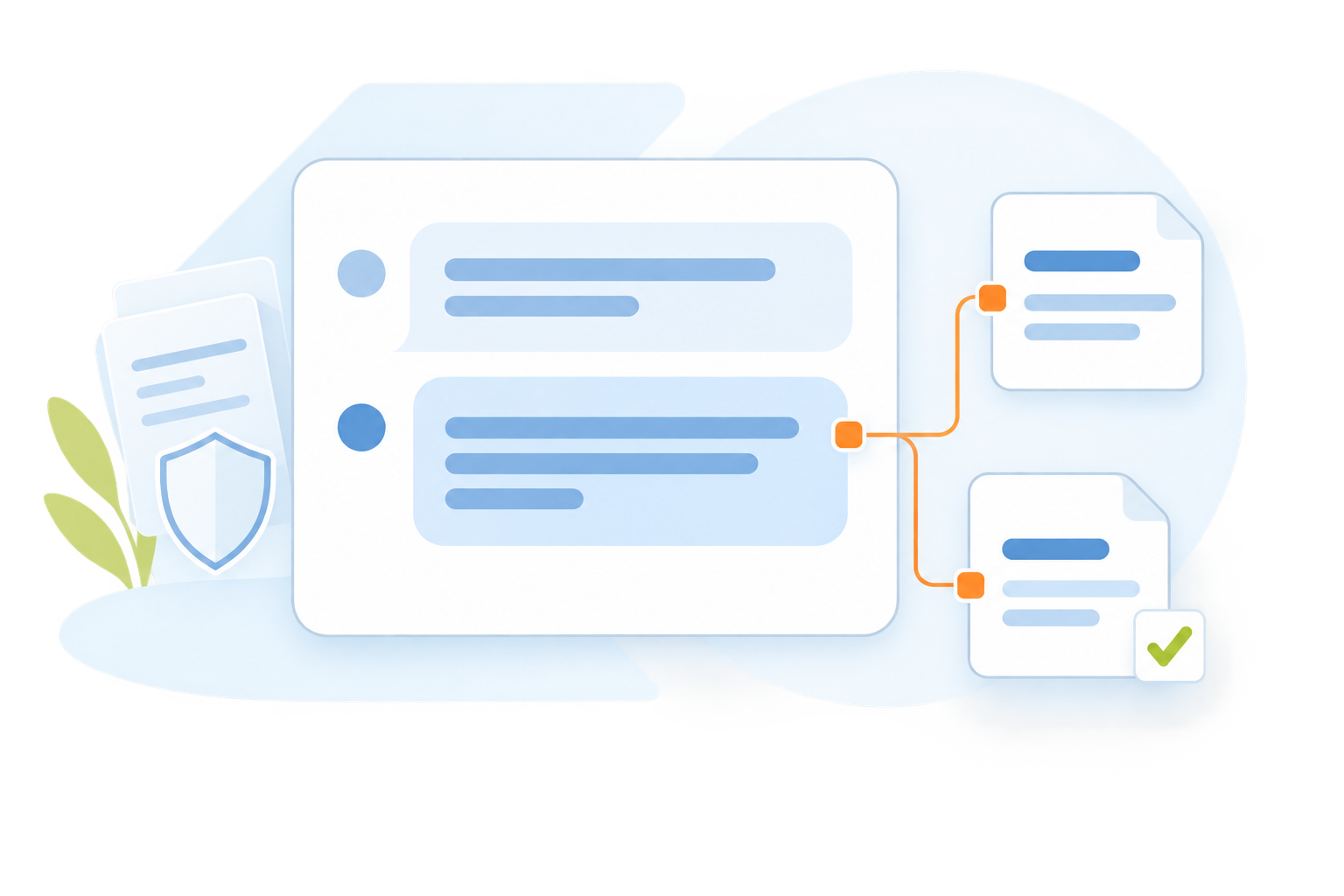
Bring Every Request Into View
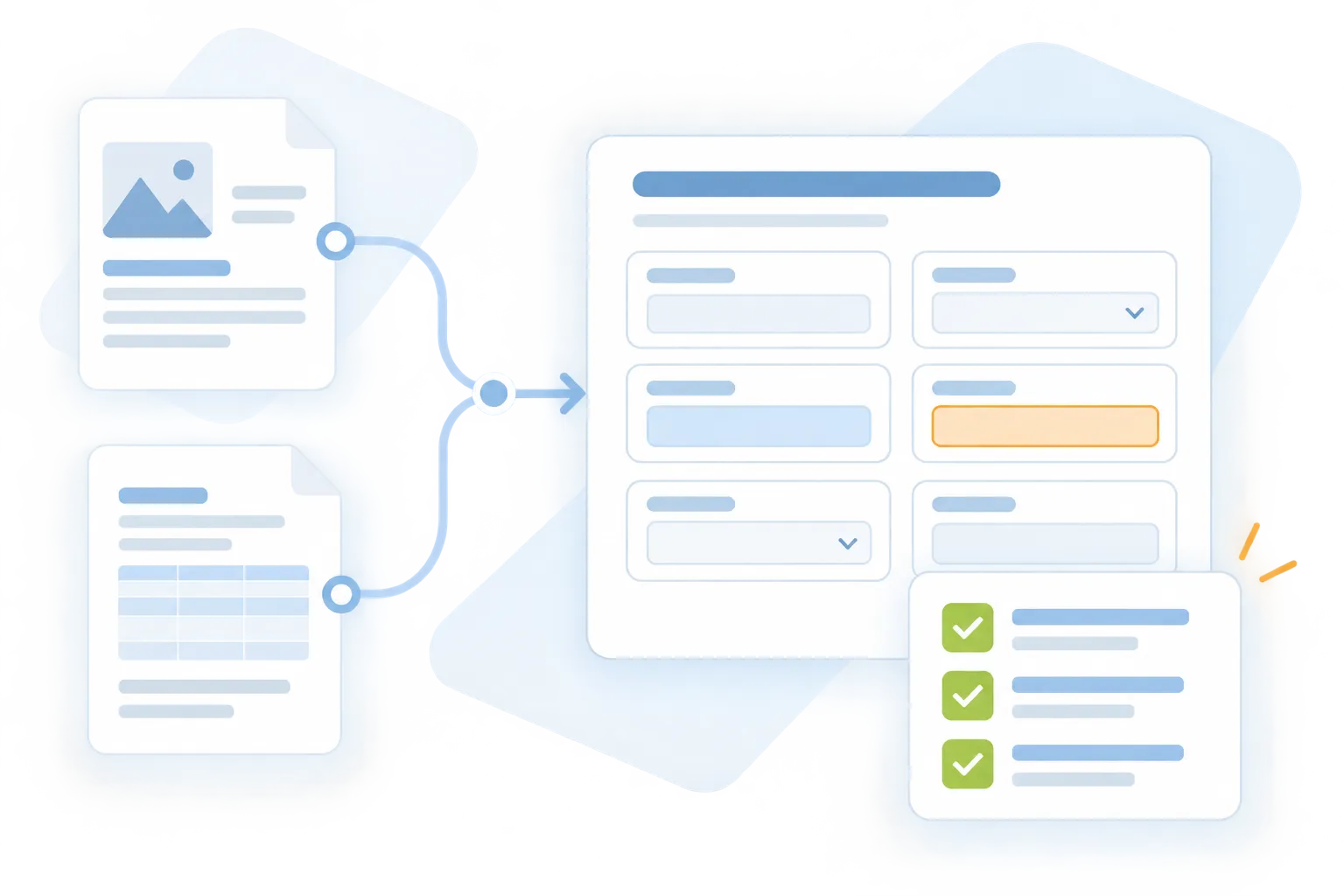
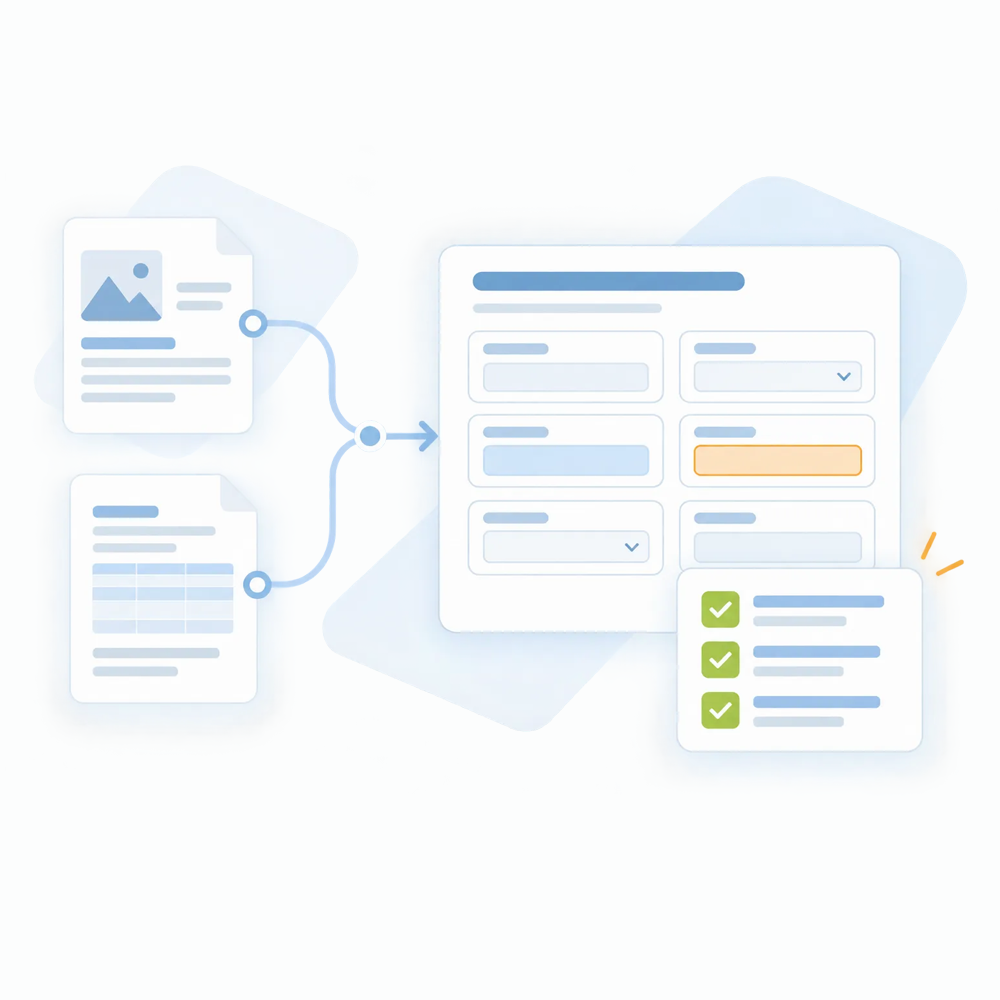
Bring incoming insurance emails into an organized work queue. Keep the original message connected to the request so your team can understand what needs attention and where work stands.
Organized request queue
Original email context
Clear request summaries
Open and reviewed work
Consistent intake process
01 / ASK
Use everyday language
02 / EXPLORE
Keep the source within reach
03 / VERIFY
Apply your team's judgment
ACCELERATED
Reduce time spent searching across approved documents.
VALIDATED
Review answers alongside the available source context.
TRANSPARENT
Make information gaps and follow-up questions clearer.
Built for insurance knowledge assistant

Your Insurance Knowledge,
Easier to Work With.

Use natural-language questions to find relevant information in the material made available to your team. Review the source, clarify the answer, and decide what comes next.

Ask AIVA
Natural-Language Questions
Ask practical questions about information in your approved documents and knowledge sources.
Everyday language
Follow-up questions
Questions focused on your workflow
Ask AIVA
Source-Based Information Retrieval
Bring relevant information from the connected, approved material into the response.
Approved knowledge sources
Relevant passages and context
Source references where available
Ask AIVA
Document Summaries
Prepare concise summaries to help your team understand the supplied material before a closer review.
Key points and requested details
Document-focused summaries
Source verification by the reviewer
Ask AIVA
Response Preparation
Draft explanations or replies using the available information for your team to review and refine.
Context-aware drafts
Editable wording
Review before sharing
Ask AIVA
Questions and Information Gaps
Identify where the available material is incomplete and support further clarification.
Missing-context prompts
Follow-up questions
Escalation for professional review
Ask AIVA
Human Judgment and Control
Keep final interpretation, advice, and decisions with the people responsible for the work.
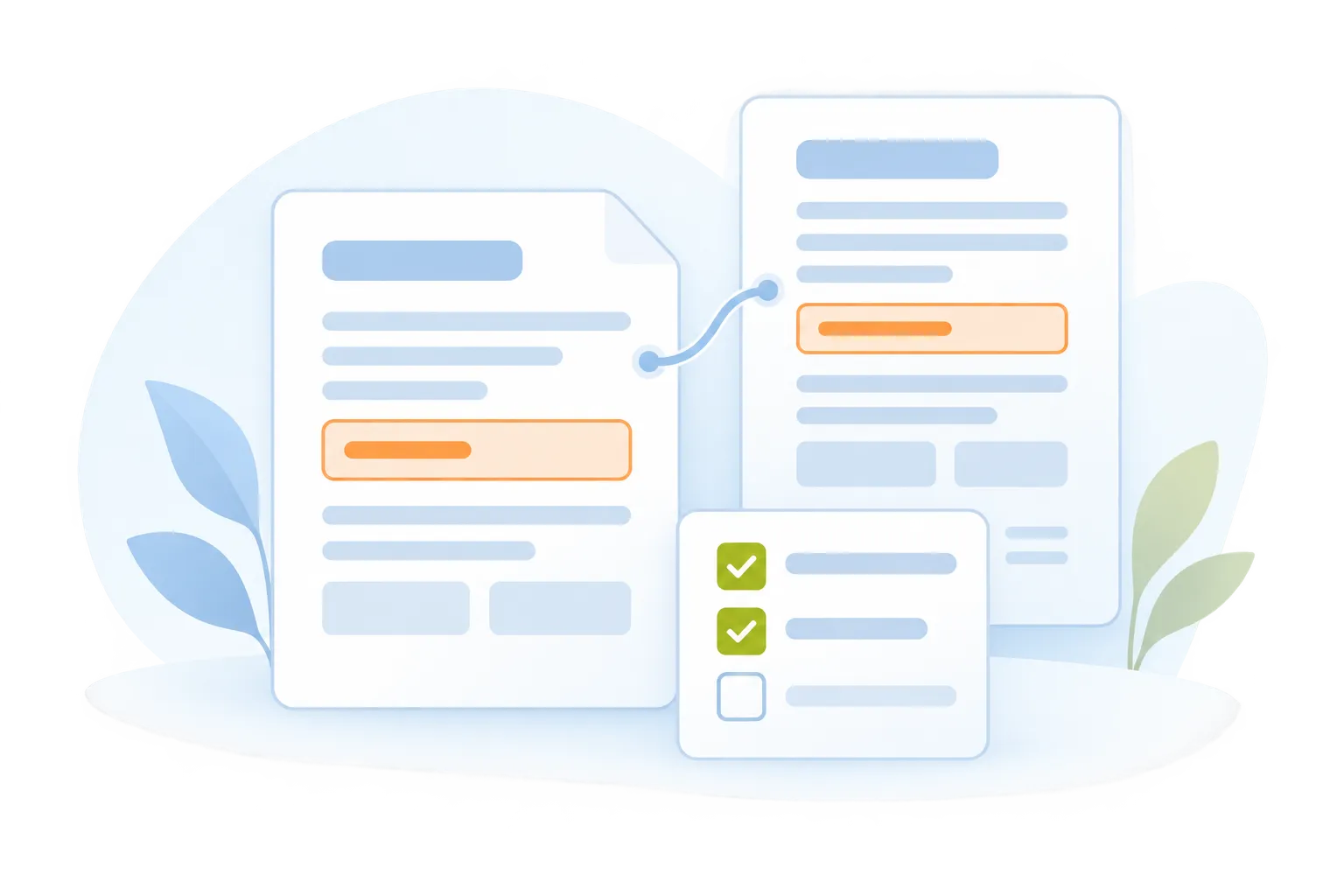
Review of source wording
Corrections and professional judgment
Approved use of the final response
Chat interface showing Sara Michael requesting an essay about the effect of deforestation, followed by a response titled 'The Effects of Deforestation' explaining deforestation and its environmental impact.
Text Generation
Generate High-Quality Text Effortlessly
Motiongenie creates polished articles, captions, emails, and posts in seconds—giving you accurate, creative, and tone-perfect writing.
10x faster content creation
95% accuracy in tone/style
Unlimited writing outputs
Seamless Experience
Zero writer’s block
Interface showing AI icon with a cursor, a colorful curly arrow, and image icon above text 'Create Stunning Visuals'; below is a progress bar labeled 'Generating' at 63% with description transforming prompts into high-quality images, graphics, and illustrations instantly.
Image Generation
Turn Ideas Into Beautiful Images
Transform prompts into high-quality images, graphics, and illustrations instantly—perfect for marketing, branding, and design workflows.
HD quality visuals
30+ styles available
Instant creative output
Zero design skills required
Zero writer’s block
Notification box with an alert icon and text stating 'Smart Voice Assistant: Natural language interface – just ask what you need' below a gradient circle in pink and blue tones.
Smart Voice Assistant
Assistant That Helps With Everything
Ask questions, plan tasks, organize ideas, and get instant help. The Smart Assistant boosts productivity by doing the thinking for you.
Instant replies anytime
95% accuracy in tone/style
12+ tools inside chat
40% faster daily tasks
Always Available
Chat interface showing a user asking to explain quantum computing in simple terms and an AI response explaining quantum computing as a new type of computing using principles of quantum mechanics and quantum bits.
AI Chatbot
Intelligent Real-Time Conversations
AI Chatbot answers questions, solves problems, drafts content, guides tasks instantly. Acting like responsive, always-available teammate for any workflow.
24/7 Availability
95% accuracy in tone/style
Unlimited writing outputs
50+ Context Layers
Multilingual Chat
Chat interface showing a prompt to generate code for a login screen and a response with a React and Tailwind login screen code snippet.
Code Generation
Generate Clean And Ready Code
Produce code snippets, scripts, components, and fixes instantly. AI SaaS accelerates development and reduces technical complexity for teams.
80% faster development
Clean, readable outputs
Error-free generation
Seamless Experience
Multiple languages supported
Central circular logo with a gradient blue and orange background connected by dotted lines to six smaller circular logos arranged in a hexagonal pattern.
AI Automation
AI That Runs Repetitive Tasks
Automate emails, reports, content, and operations. AI SaaS saves time by handling routine workflows while you focus on what truly matters.
87% less manual work
24/7 autonomous operation
Unlimited writing outputs
Zero errors in workflows
4x faster execution
Connected information. Controlled actions.

From Your Question to
A Reviewed Answer.

Make the relevant material available, ask the question, and check the response against the source before using it.

Step 01 / Connect
Start with approved context
Source availability and access requirements are established for your team's implementation.
Step 02 / Ask
Questions in everyday language
Focus on a document, a requested detail, or the information needed for the next task.
Step 03 / Explore
Find the context you need
Use relevant passages and available source references to understand how the response relates to the material.
Step 04 / Clarify
Bring unanswered questions forward
Ask for clarification, add approved context, or refer the question to an appropriate reviewer.
Step 05 / Verify
Your judgment guides the outcome
Insurance professionals remain responsible for interpreting the wording and approving the final response.

Supported documents, outputs, connections, and review requirements are confirmed for your implementation.

Take the next step with Ask AIVA

Put Your Insurance Knowledge
Within Easier Reach.

Explore how Ask AIVA can help your team find context, understand documents, and prepare responses for human review.

info@acordai.ai
Tell us about your team's workflow.