Quote AI by Acord AI

Bring Structure to
Every Quoting Opportunity.

Quote AI helps insurance teams organize submission information, prepare quote requests, and compare returned quotes for new business, renewals, and remarketing.

Email Intake
Bring Every Request Into View
Bring incoming insurance emails into an organized work queue. Keep the original message connected to the request so your team can understand what needs attention and where work stands.
Organized request queue
Original email context
Clear request summaries
Open and reviewed work
Consistent intake process
01 / PREPARE
Organize the submission details
02 / COMPARE
Bring returned terms into view
03 / REVIEW
Guide the next action with context
ACCELERATED
Reduce repetitive quote-preparation work.
VALIDATED
Check returned terms against the requested information.
TRANSPARENT
Make differences and outstanding questions easier to review.
Built for quoting & remarketing support

From Submission Details to
A Clearer Comparison.

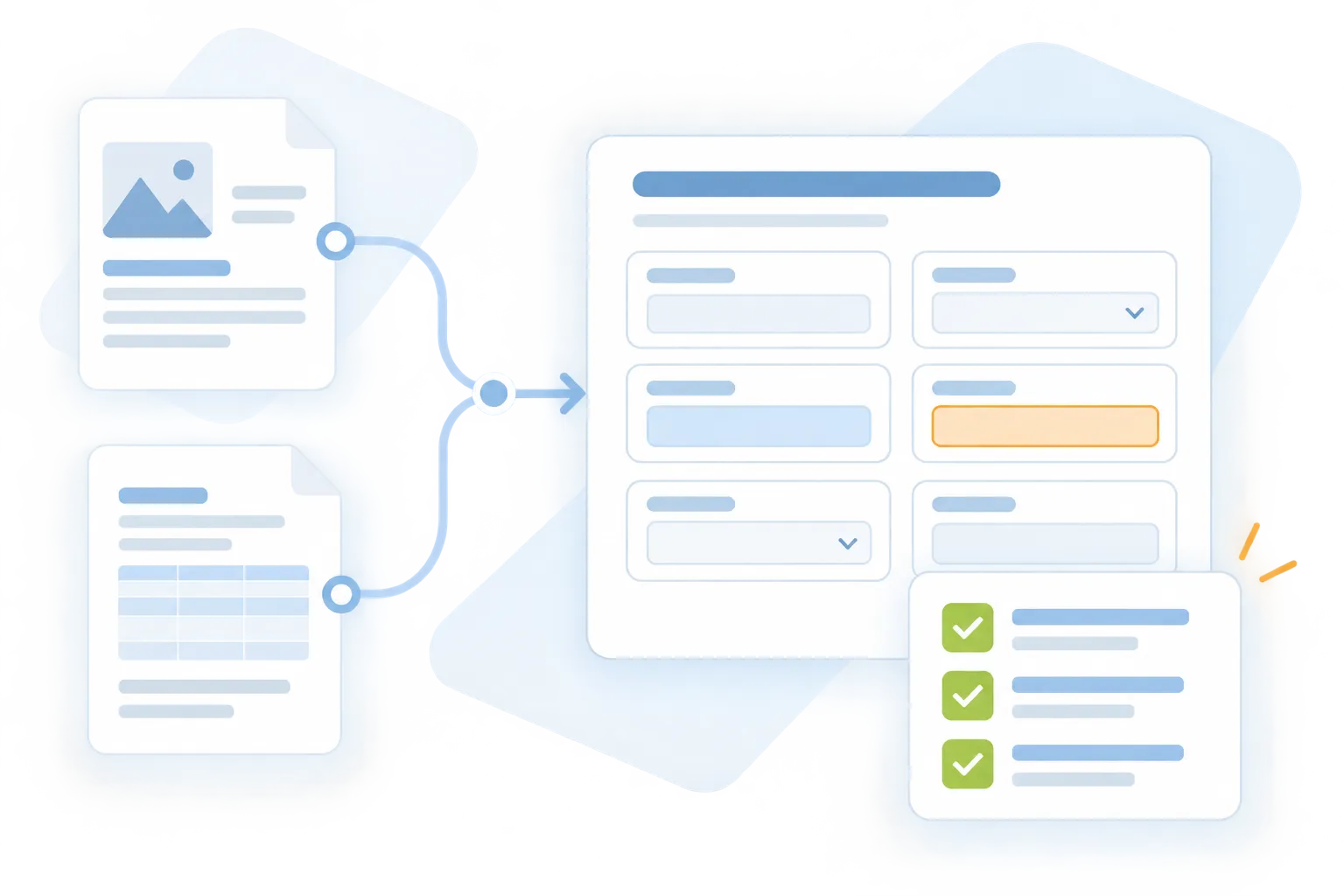
Give your team an organized starting point for quoting. Keep requested coverage, supporting information, and returned terms together through preparation and review.

Quote AI
Submission Information Intake
Gather approved applications, schedules, and supporting information for the quoting workflow.
Organized submission documents
Relevant account and risk details
A consistent preparation process
Quote AI
Quote Request Preparation
Prepare the information and requested coverage details needed for a supported quote request.
Structured request information
Coverage and limit requirements
Review-ready submission details
Quote AI
Completeness and Follow-Up
Identify information that needs clarification before the submission or comparison proceeds.
Missing details flagged
Outstanding questions organized
Follow-up preparation
Quote AI
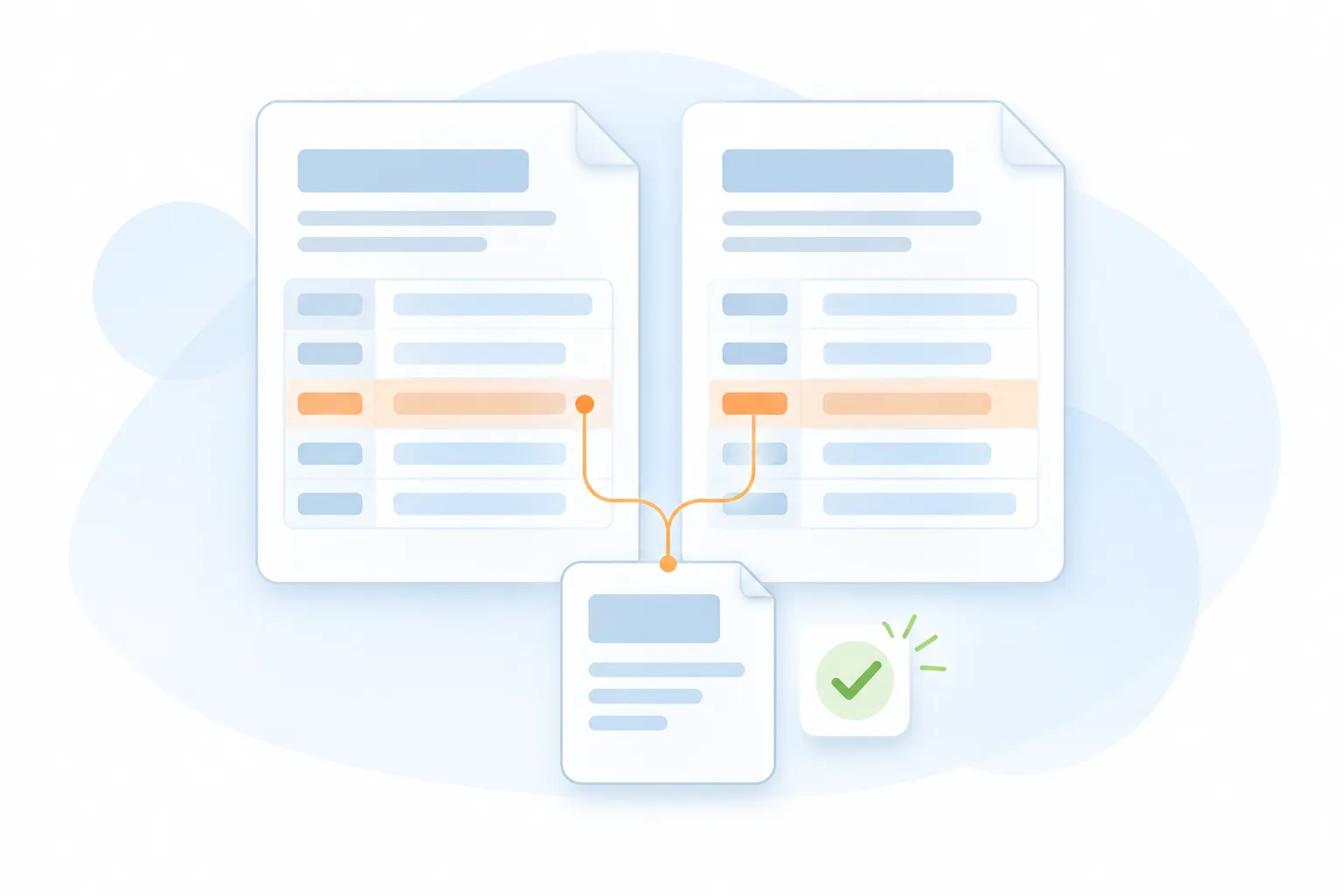
Returned Quote Comparison
Compare supplied quote documents to help reviewers understand differences in the available terms.
Premiums and deductibles
Limits and coverage differences
Conditions and exclusions for review
Quote AI
Renewal and Remarketing Support
Organize existing information and returned options when reviewing a renewal or preparing a remarketing request.
Current and proposed terms
Changes requiring attention
Consistent account context
Quote AI
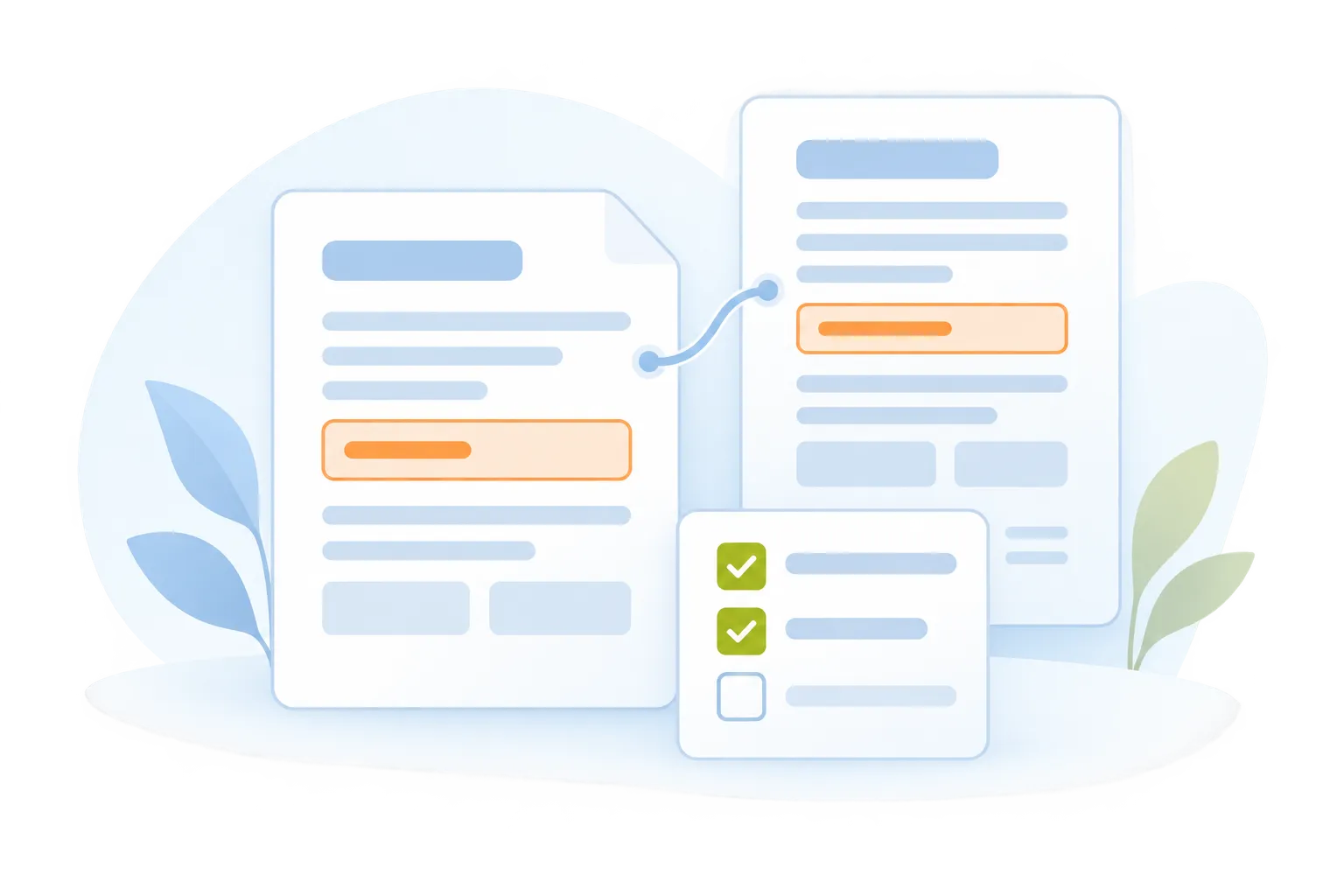
Human Review and Handoff
Prepare a structured summary so insurance professionals can verify details and guide the next action.
Source-based quote review
Corrections and clarifications
Reviewed comparison summary
Chat interface showing Sara Michael requesting an essay about the effect of deforestation, followed by a response titled 'The Effects of Deforestation' explaining deforestation and its environmental impact.
Text Generation
Generate High-Quality Text Effortlessly
Motiongenie creates polished articles, captions, emails, and posts in seconds—giving you accurate, creative, and tone-perfect writing.
10x faster content creation
95% accuracy in tone/style
Unlimited writing outputs
Seamless Experience
Zero writer’s block
Interface showing AI icon with a cursor, a colorful curly arrow, and image icon above text 'Create Stunning Visuals'; below is a progress bar labeled 'Generating' at 63% with description transforming prompts into high-quality images, graphics, and illustrations instantly.
Image Generation
Turn Ideas Into Beautiful Images
Transform prompts into high-quality images, graphics, and illustrations instantly—perfect for marketing, branding, and design workflows.
HD quality visuals
30+ styles available
Instant creative output
Zero design skills required
Zero writer’s block
Notification box with an alert icon and text stating 'Smart Voice Assistant: Natural language interface – just ask what you need' below a gradient circle in pink and blue tones.
Smart Voice Assistant
Assistant That Helps With Everything
Ask questions, plan tasks, organize ideas, and get instant help. The Smart Assistant boosts productivity by doing the thinking for you.
Instant replies anytime
95% accuracy in tone/style
12+ tools inside chat
40% faster daily tasks
Always Available
Chat interface showing a user asking to explain quantum computing in simple terms and an AI response explaining quantum computing as a new type of computing using principles of quantum mechanics and quantum bits.
AI Chatbot
Intelligent Real-Time Conversations
AI Chatbot answers questions, solves problems, drafts content, guides tasks instantly. Acting like responsive, always-available teammate for any workflow.
24/7 Availability
95% accuracy in tone/style
Unlimited writing outputs
50+ Context Layers
Multilingual Chat
Chat interface showing a prompt to generate code for a login screen and a response with a React and Tailwind login screen code snippet.
Code Generation
Generate Clean And Ready Code
Produce code snippets, scripts, components, and fixes instantly. AI SaaS accelerates development and reduces technical complexity for teams.
80% faster development
Clean, readable outputs
Error-free generation
Seamless Experience
Multiple languages supported
Central circular logo with a gradient blue and orange background connected by dotted lines to six smaller circular logos arranged in a hexagonal pattern.
AI Automation
AI That Runs Repetitive Tasks
Automate emails, reports, content, and operations. AI SaaS saves time by handling routine workflows while you focus on what truly matters.
87% less manual work
24/7 autonomous operation
Unlimited writing outputs
Zero errors in workflows
4x faster execution
Connected information. Controlled actions.

From Quote Request to
Informed Review.

Prepare the submission, organize the returned options, and give the reviewer a clear comparison of the supplied terms..

Step 01 / Collect
A consistent starting point
Gather approved documents and identify the information needed for the quoting workflow.
Step 02 / Prepare
Define what is being requested
Keep the requested coverages, limits, and submission requirements clear for review.
Step 03 / Compare
Options that are easier to review
Compare supplied premiums, deductibles, limits, conditions, and exclusions with their source wording.
Step 04 / Review
Review the details that matter
Insurance professionals check the summary and clarify differences before advising on the available options.
Step 05 / Handoff
Keep the decision with your team
Authorized professionals make placement and binding decisions using the reviewed information.

Supported documents, outputs, connections, and review requirements are confirmed for your implementation.

Take the next step with Quote AI

Give Your Quoting Team
a Clearer Starting Point.

Explore a Quote AI workflow for submission preparation, returned quote comparison, and reviewed next steps.

info@acordai.ai
Tell us about your team's workflow.