
Mail Icon
Policy IQ by Acord AI

AI Policy Checking
‍for Agencies and Brokerages.

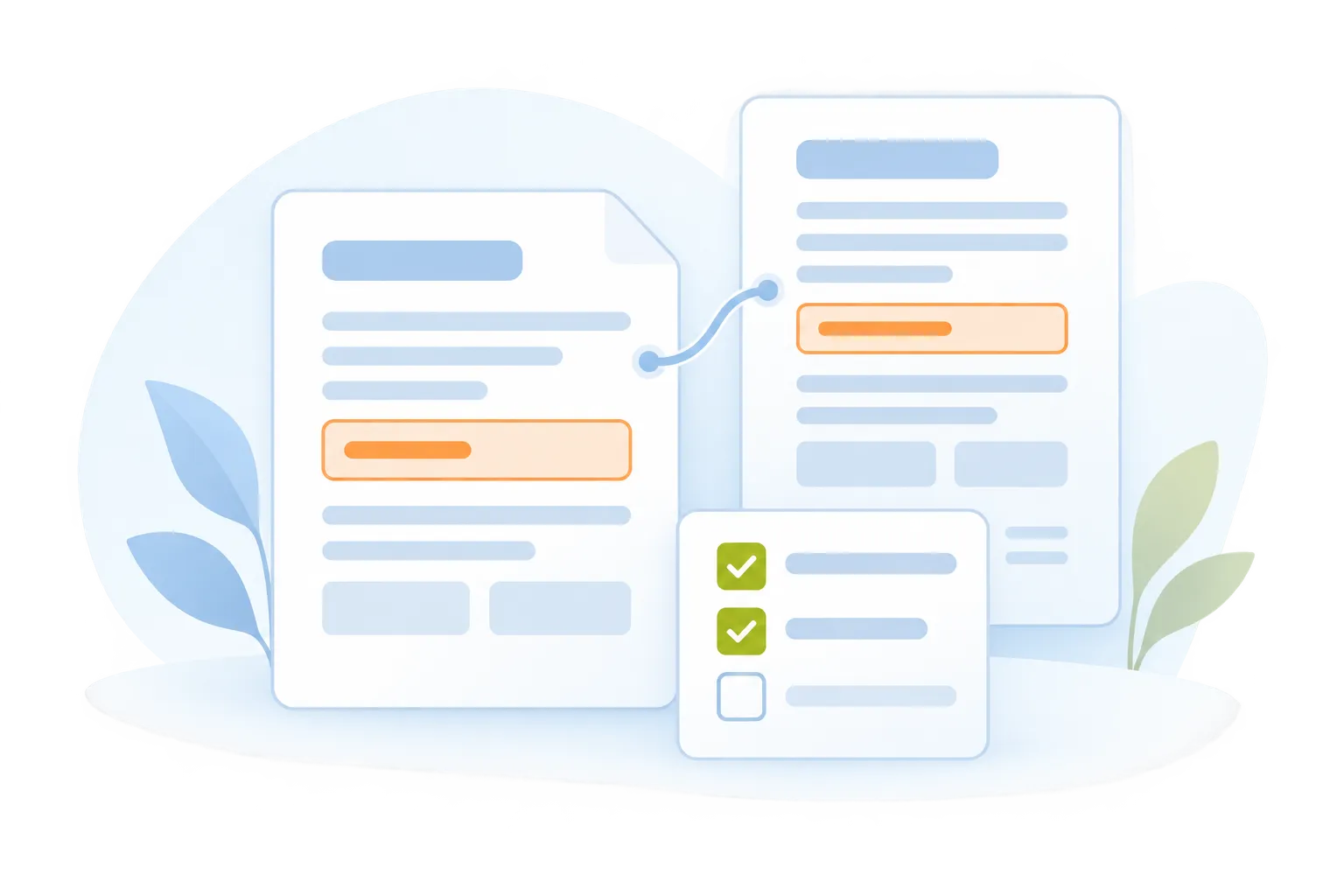
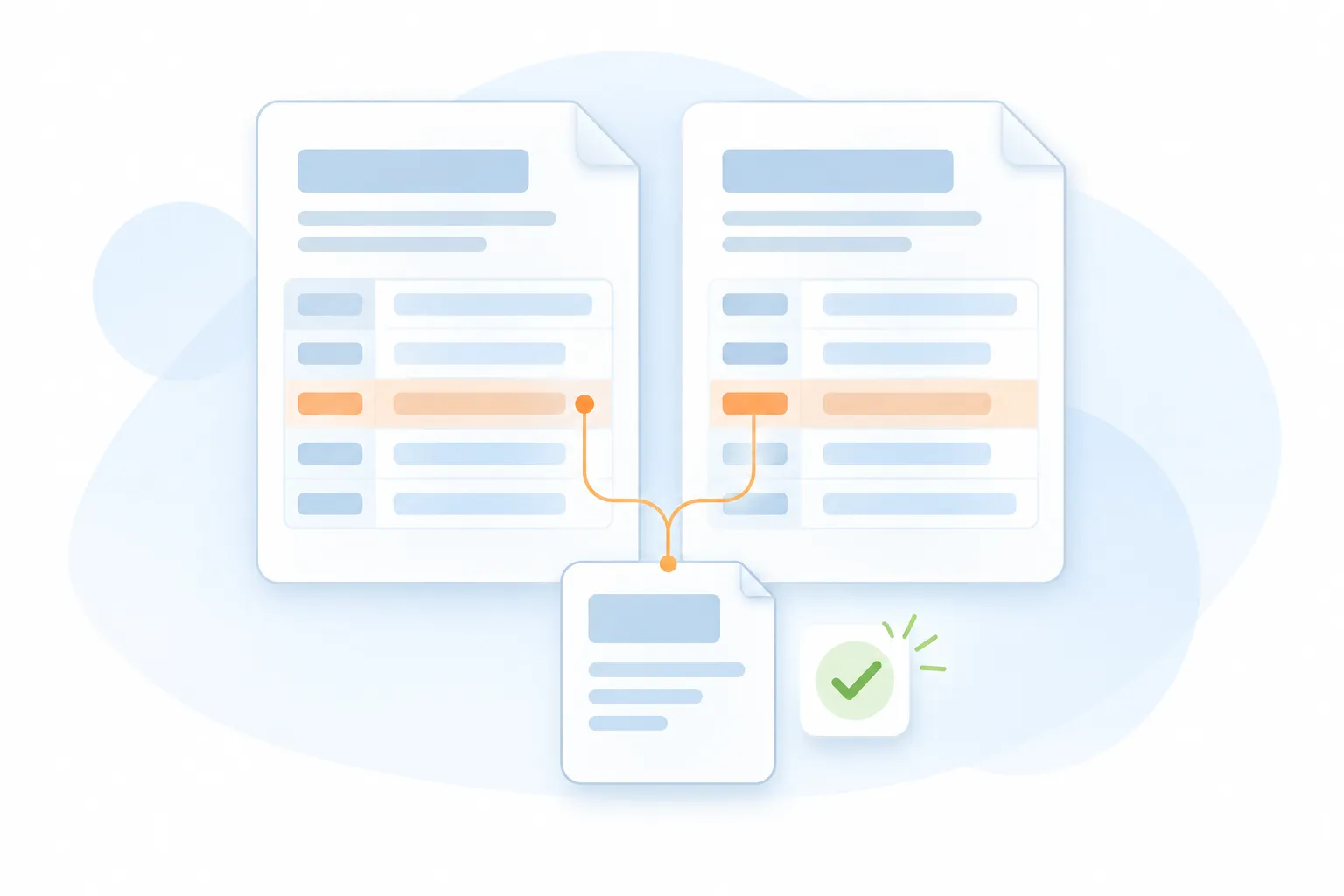
Check an issued policy against the quote, binder, or application. Compare expiring and renewal policies. Policy IQ brings differences and source references together so your account or service team can verify the findings and decide what needs follow-up.
01 / COMPARE
Bring policy documents together
Policy IQ
02 / VALIDATE
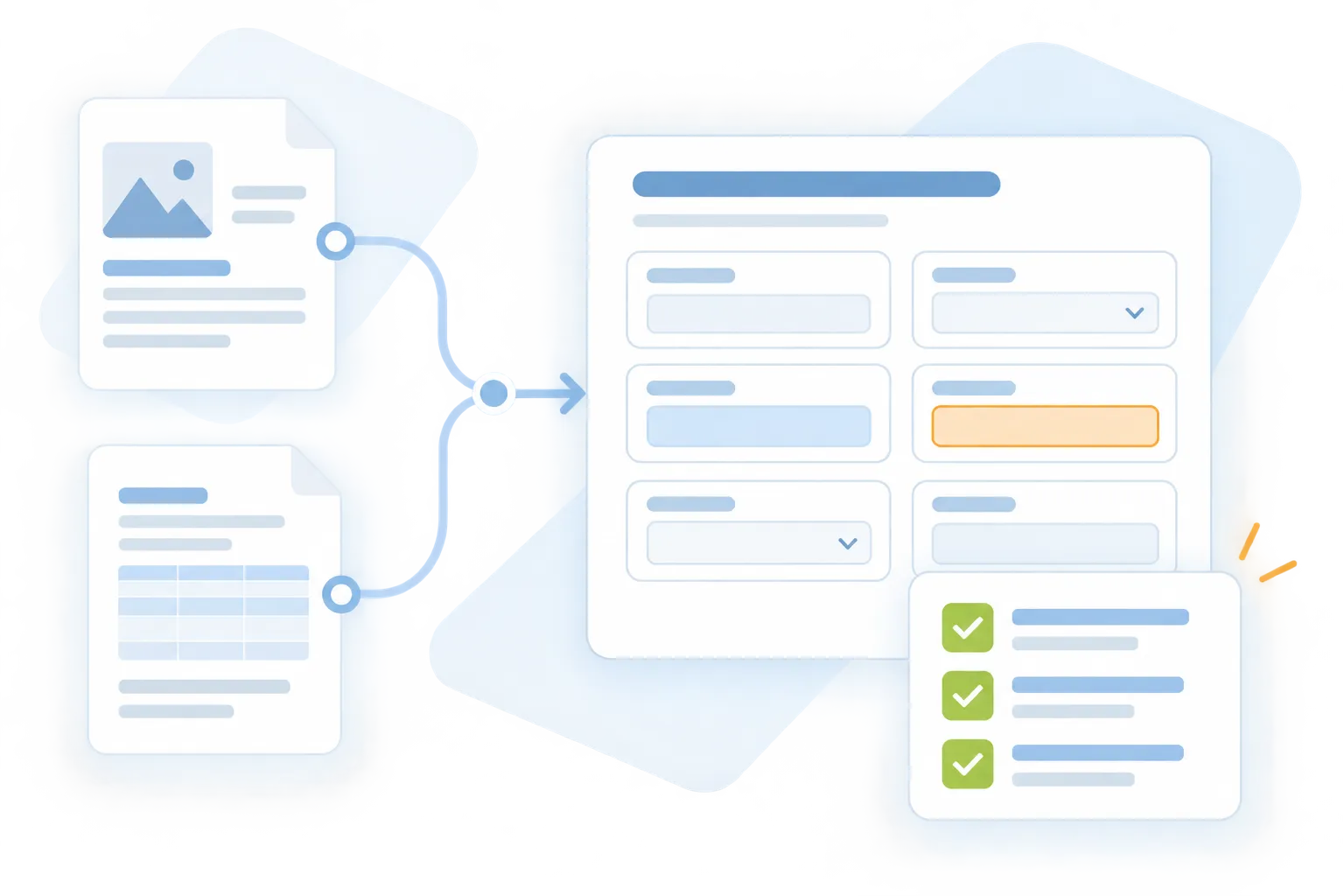
Check the details against the source
Forms IQ
03 / REVIEW
Resolve findings with your team
Cert IQ
Accelerated
Organize document comparisons and reduce repetitive checking.
Validated
Verify policy details against the available source documents.
Transparent
Follow discrepancies from identification through review.
Check what was issued
Policy Checking
Review the issued policy against the quote, binder, application, or other selected source documents.
Source documents
<->
Issued policy
Identify details that need verification or correction.
Compare policy versions
Policy Comparison
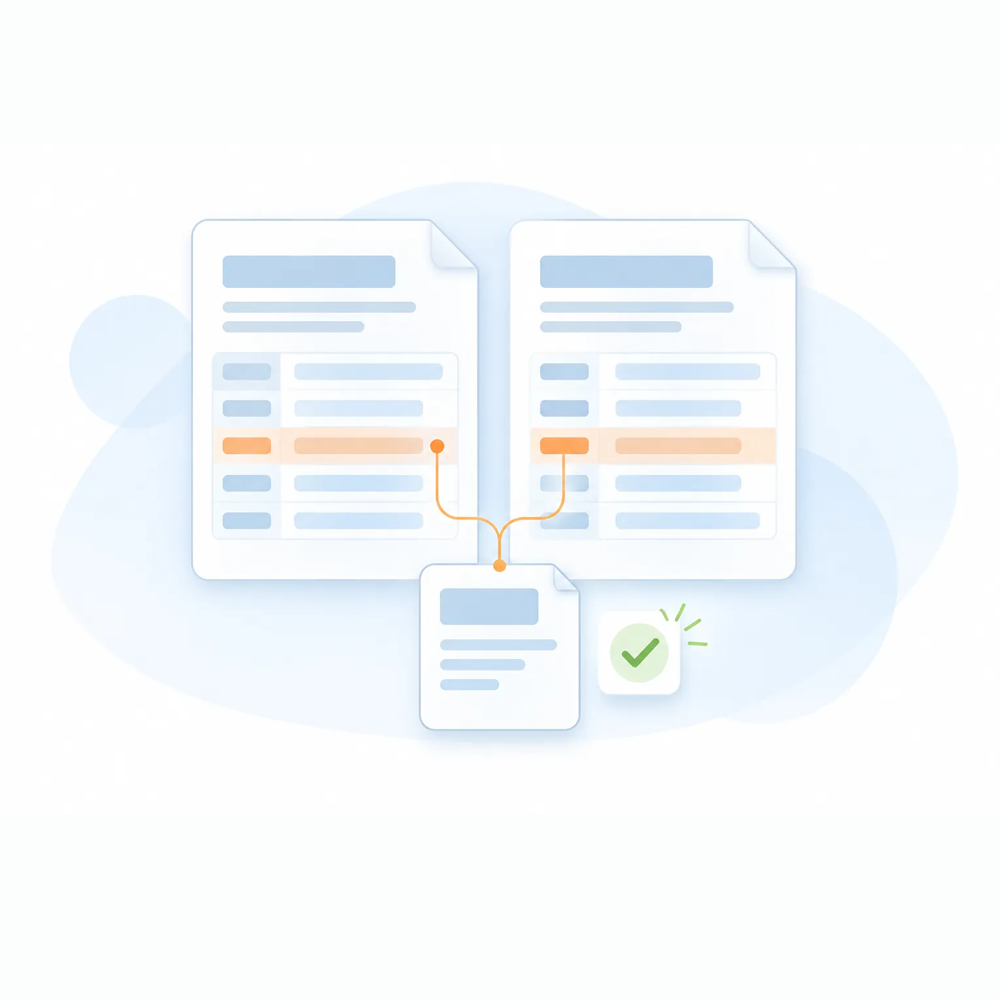
Review selected policy versions, including expiring and renewal documents, to bring changes into view.
Expiring policy
<->
Renewal policy
Review changes in terms, premiums, forms, and endorsements.
Illustrative example
Bring Policy Changes into View.
Human review required
Fictional details showing how a policy comparison can organize changes for review.
Policy detail
Expiring policy
Renewal policy
Review item
Liability limit
$1,000,000
$1,000,000
No change shown
Deductible
$1,000
$2,500
Verify change
Selected endorsement
Listed
Not found in supplied copy
Confirm with source
A missing reference is a prompt to investigate. The reviewer confirms the complete policy and supporting documents.
Built for policy checking & comparison

Know What
‍Needs  Review.

Give your reviewer a structured view of policy details, discrepancies, and supporting sources. Check insured information, policy periods, coverages, limits, deductibles, premiums, forms, and endorsements against the supplied documents. Record the reviewed findings and the follow-up your team needs.

Policy IQ
Automated Document Comparison
Compares policies against quotes, binders, applications, and renewal documents.
Issued policy against source documents
Expiring policy against renewal
Side-by-side review of differences
‍Policy IQ
Policy Detail Validation
Verifies insured information, policy numbers, carriers, and effective dates.
Named insured and policy identifiers
Carrier and policy period checks
Details connected to their source
‍Policy IQ
Coverage and Limit Verification
Checks coverages, limits, deductibles, and premiums against source documents.
Coverage and limit differences
Deductible and premium changes
Exceptions prepared for review
‍Policy IQ
Forms and Endorsement Review
Identifies missing, incorrect, or unexpected forms, endorsements, and exclusions.
Form and endorsement schedules
Added, removed, or changed wording
Review of potential restrictions
Policy IQ
Policy IQ
Discrepancy Identification
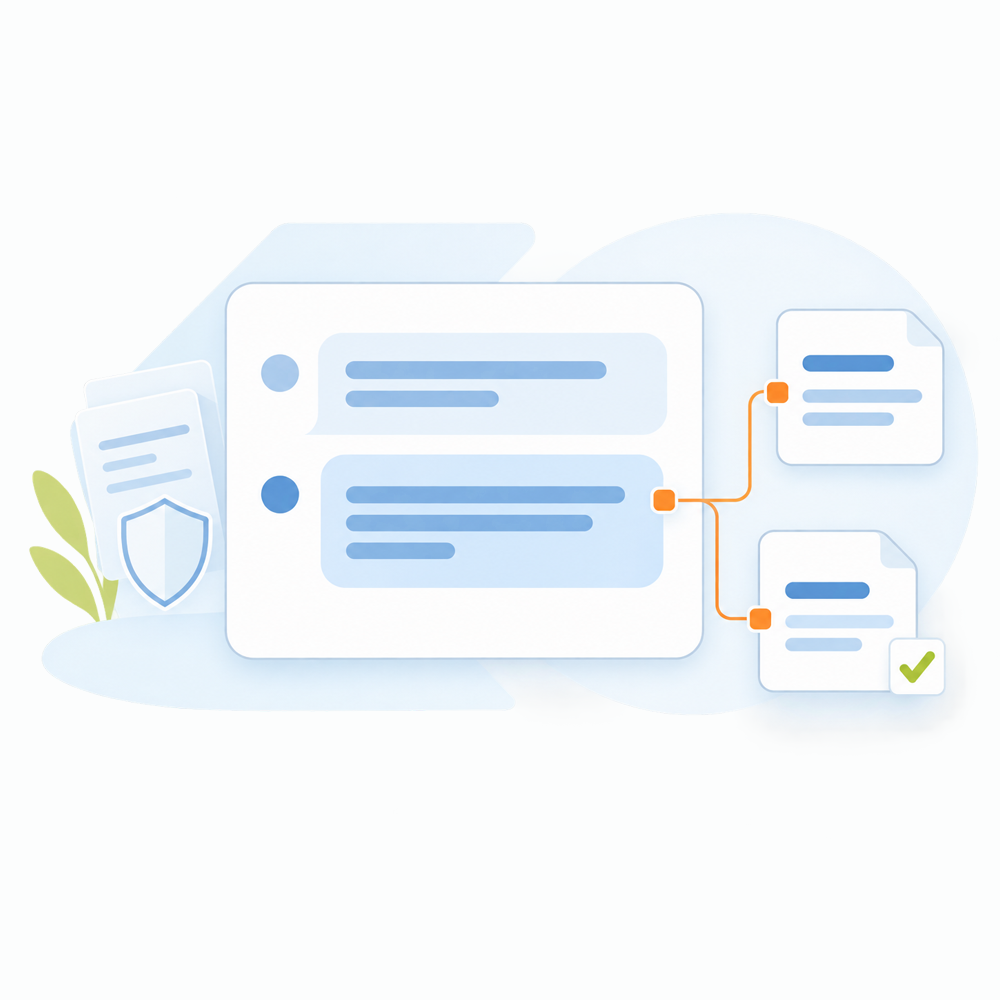
Highlights mismatches and exceptions with clear source references.
Source-linked findings
Missing or conflicting information
Organized discrepancy summaries
Policy IQ
Human Review and Reporting
Routes exceptions for review and produces a structured policy-checking report.
Reviewer checks and corrections
Documented review outcomes
A clear report for follow-up
Policy IQ
Policy IQ
Automated Document Comparison
Compares policies against quotes, binders, applications, and renewal documents.
Issued policy against source documents
Expiring policy against renewal
Side-by-side review of differences
Source context for review
Human review required
Policy IQ
Policy IQ
Policy Detail Validation
Verifies insured information, policy numbers, carriers, and effective dates.
Named insured and policy identifiers
Carrier and policy period checks
Details connected to their source
Source context for review
Human review required
Policy IQ
Policy IQ
Coverage and Limit Verification
Checks coverages, limits, deductibles, and premiums against source documents.
Coverage and limit differences
Deductible and premium changes
Exceptions prepared for review
Source context for review
Human review required
Policy IQ
Policy IQ
Forms and Endorsement Review
Identifies missing, incorrect, or unexpected forms, endorsements, and exclusions.
Form and endorsement schedules
Added, removed, or changed wording
Review of potential restrictions
Source context for review
Human review required
Policy IQ
Policy IQ
Discrepancy Identification
Highlights mismatches and exceptions with clear source references.
Source-linked findings
Missing or conflicting information
Organized discrepancy summaries
Source context for review
Human review required
Policy IQ
Policy IQ
Human Review and Reporting
Routes exceptions for review and produces a structured policy-checking report.
Reviewer checks and corrections
Documented review outcomes
A clear report for follow-up
Source context for review
Human review required
Connected information. Controlled actions.

From Policy Documents to
‍Reviewable Findings.

Choose an issued-policy check or renewal comparison. Confirm the account, policy periods, document versions, and checking checklist. Your reviewer verifies findings against the original wording, resolves missing or conflicting information, and records the outcome before the next action.

Read the Policy IQ workflow guide
Policy IQ
Step 01 / Collect
Bring policy documents together

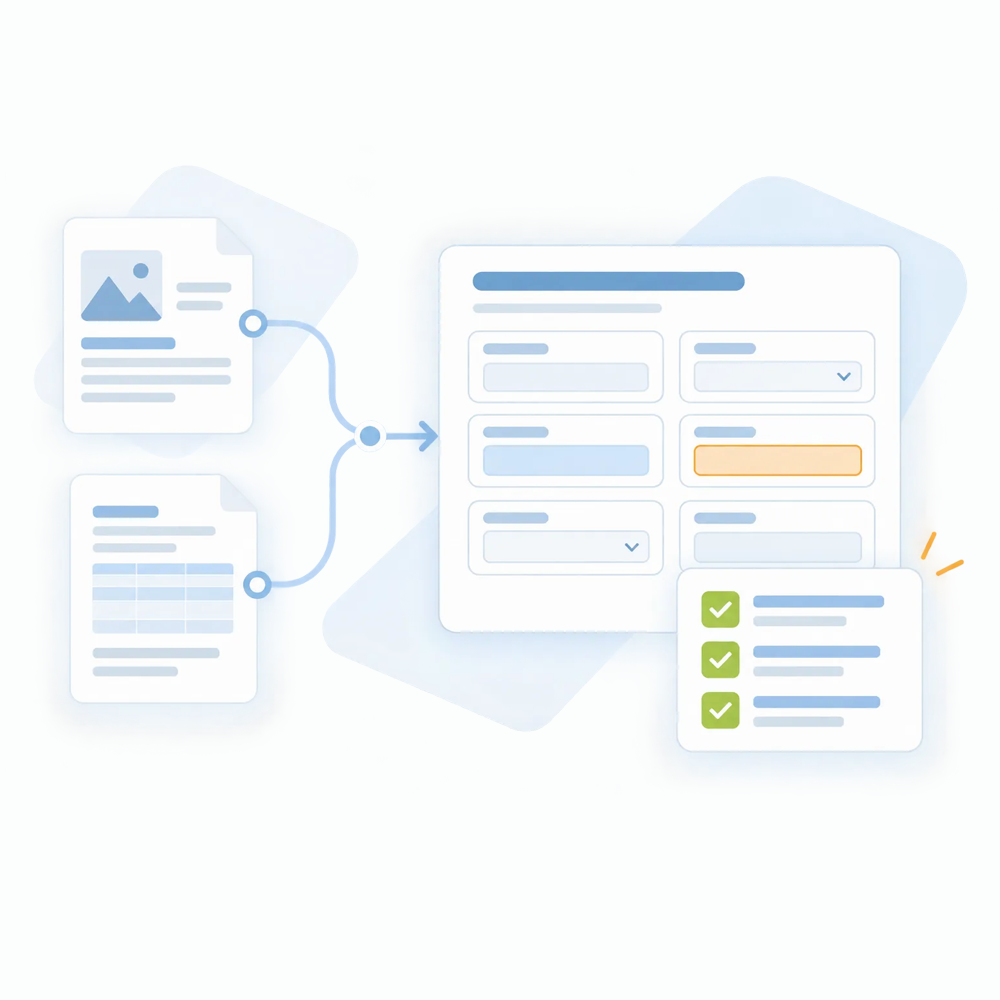
Choose the comparison and provide the policy and source documents.

Policy IQ
Step 02 / Compare
Differences in context

Review insured details, coverage, limits, deductibles, and premiums alongside the supplied source information.

Policy IQ
Step 03 / Flag
Attention where it is needed

Keep forms, endorsements, exclusions, and other exceptions organized for the reviewer to investigate.

Policy IQ
Step 04 / Review
Professional judgment stays central

Your reviewer confirms the documents, checks the wording, and decides what needs correction or clarification.

Policy IQ
Step 05 / Report
A documented next step

Bring confirmed discrepancies and review outcomes into a structured policy-checking report.

Supported documents, outputs, connections, and review requirements are confirmed for your implementation.

Get to Know
‍Policy IQ.

Explore the workflow, the information your team needs, and the role of human review.
Have another question?
What will our team receive?

The workflow produces a structured policy-checking or comparison report with reviewed findings, review outcomes, and required next actions. Confirm the report format and handoff requirements for your implementation.

How are policy checking and policy comparison different?

Policy checking reviews an issued policy against documents such as a quote, binder, or application. Policy comparison reviews differences between selected versions, such as an expiring policy and its renewal.

Which policy details can it review?

The review can include insured details, carriers, effective dates, coverages, limits, deductibles, premiums, forms, endorsements, and exclusions. The scope depends on the documents supplied and the configured review requirements.

What should US agencies and Canadian brokerages confirm?

Confirm the policy types, document formats, languages, comparison requirements, and system connections your team needs. Use representative documents from your markets to agree on the supported scope and review process before implementation.

Does Policy IQ replace professional policy review?

No. Insurance professionals verify the findings, interpret policy wording, and decide what requires correction or further discussion. Unclear or missing information needs review.

What should we prepare for a demo?

Start with your checking checklist and a description of the policy-review task. Identify the source documents, reviewer, and report you need. Ask our team how to share approved sample documents through an appropriate channel.

How are my documents and data used?

Customer emails, policies and documents are used only to process requests, not to train or improve AI models. Before production use, review the applicable access, hosting, retention, and data-processing arrangements with our team.

Security and privacy Read the Privacy Policy