Forms IQ by Acord AI

Turn Source Information Into
Review-Ready ACORD Forms.

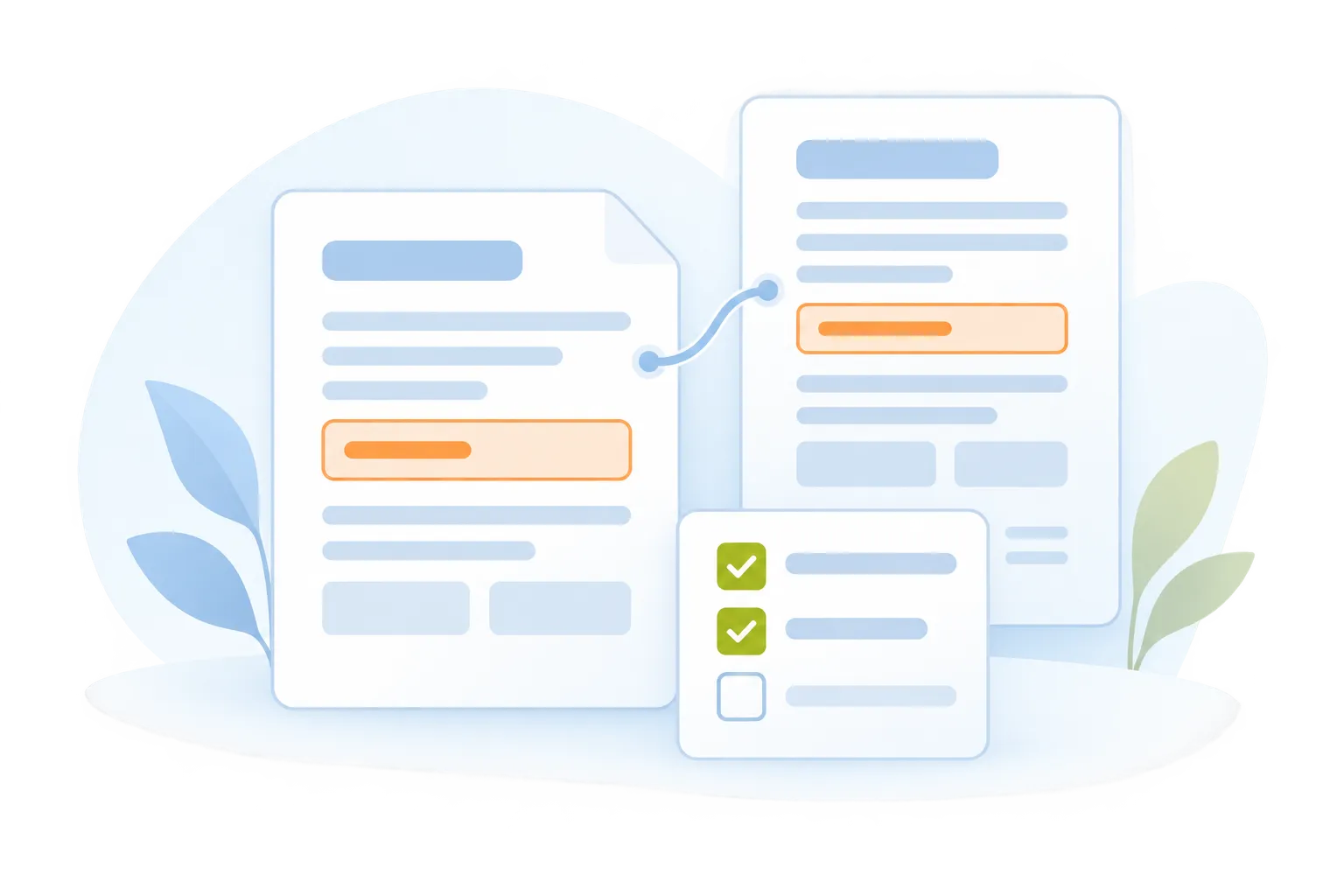
Forms IQ helps insurance teams extract information from approved source documents, populate supported ACORD forms, and identify missing details before human review.
Email Intake
Bring Every Request Into View
Bring incoming insurance emails into an organized work queue. Keep the original message connected to the request so your team can understand what needs attention and where work stands.
Organized request queue
Original email context
Clear request summaries
Open and reviewed work
Consistent intake process
01 / COLLECT
Start with approved information
02 / PREPARE
Populate supported ACORD fields
03 / REVIEW
Confirm details before handoff
ACCELERATED
Reduce repeated entry during form preparation.
VALIDATED
Check populated fields against source information.
TRANSPARENT
Keep missing details and review status visible.
Built for acord forms preparation

Less Repeated Entry.
More Consistent Preparation.

Keep applications, supporting documents, and form fields connected. Prepare the information your team needs with a clear view of what still requires attention.

Forms IQ
Source Document Intake
Bring approved applications, schedules, and supporting documents together for form preparation.
Organized source documents
Relevant account information
Clear preparation requirements
Forms IQ
Information Extraction
Identify available business, contact, location, and coverage information from the supplied documents.
Details gathered from the source
Structured field preparation
Unclear information flagged
Forms IQ
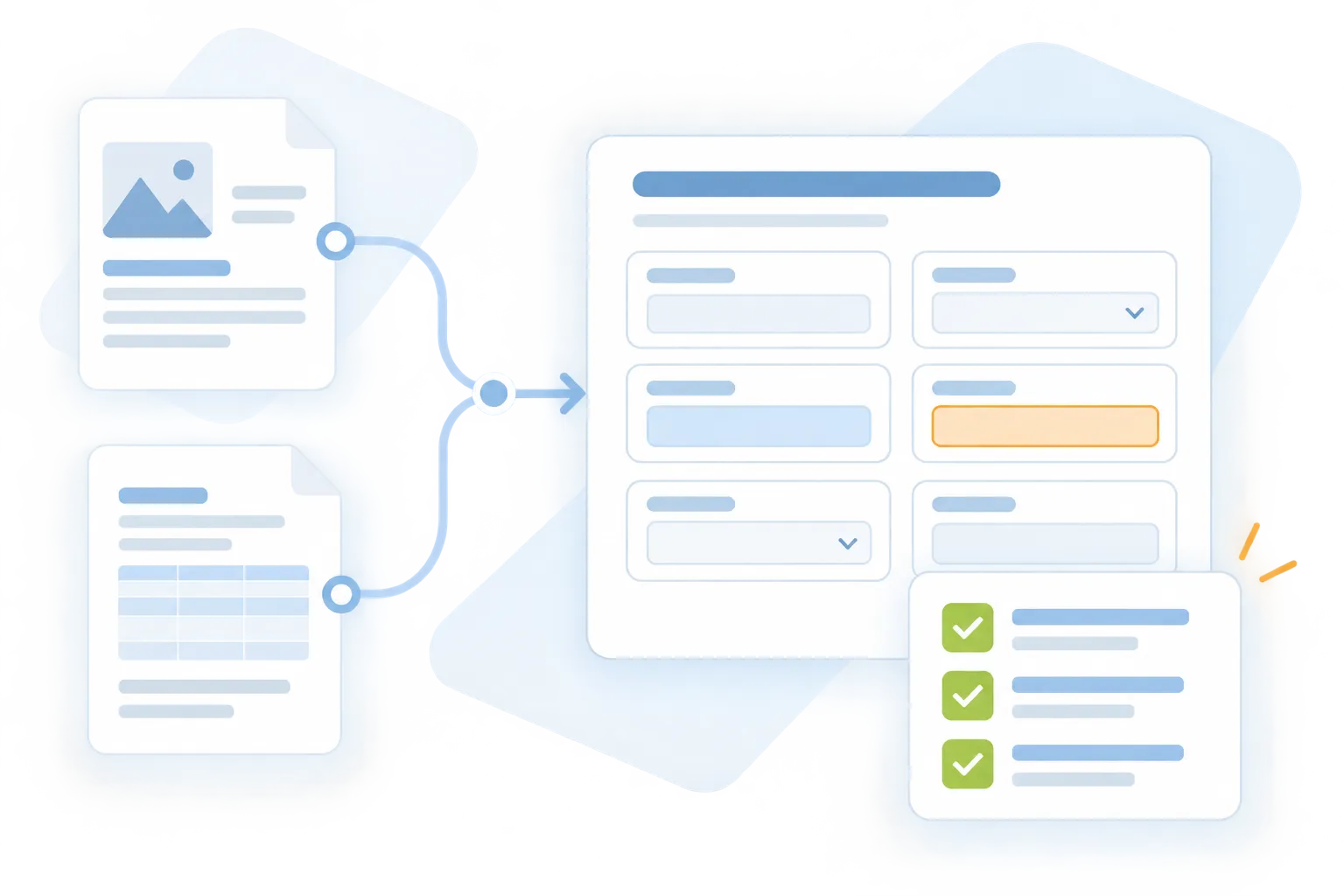
Supported Form Population
Map available information into supported ACORD form fields using the selected form and workflow.
Field mapping
Consistent use of supplied data
Supported templates confirmed at setup
Forms IQ
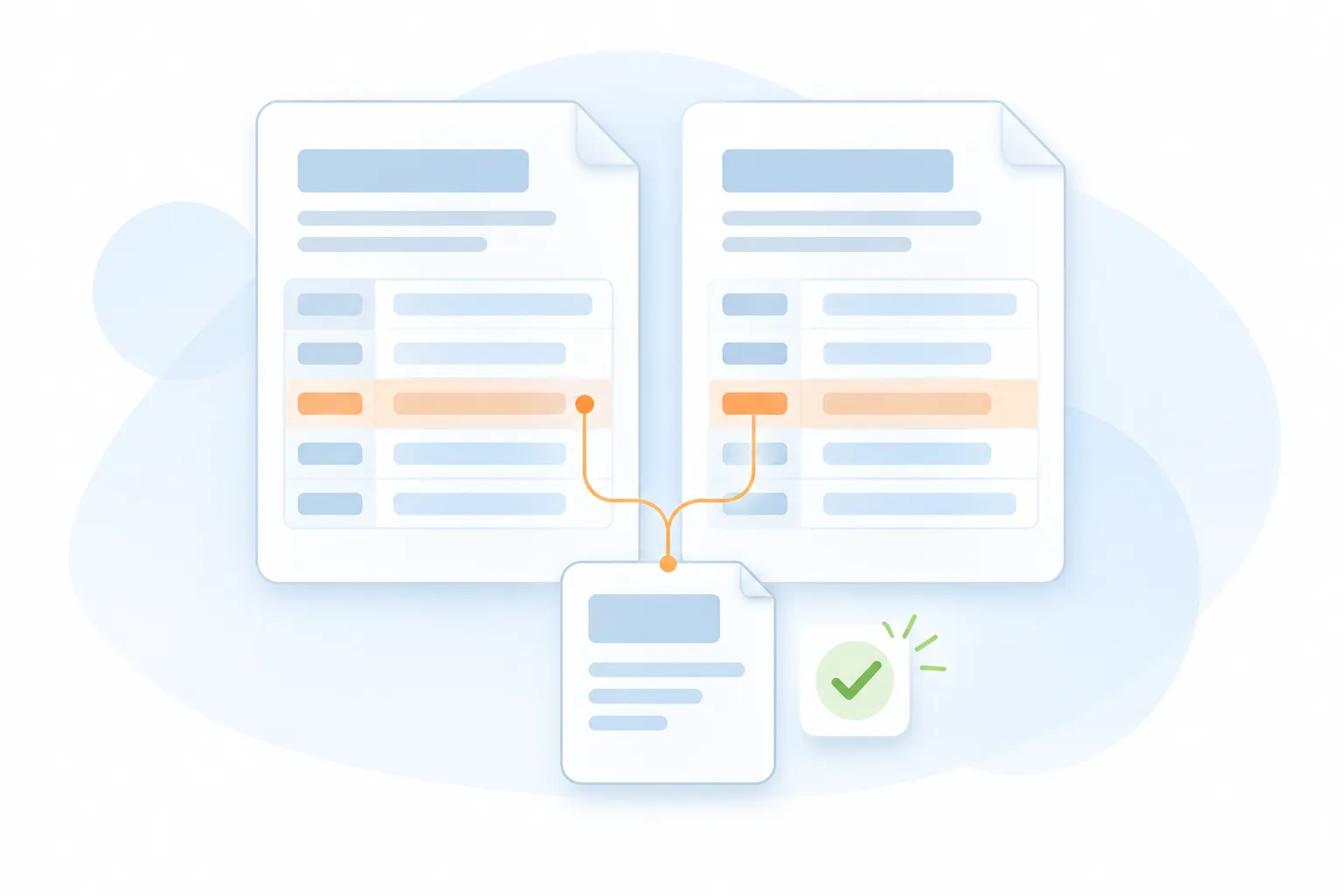
Missing-Information Checks
Identify blank, conflicting, or incomplete details that need confirmation before the form moves forward.
Missing fields highlighted
Conflicting values surfaced
Follow-up questions prepared
Forms IQ
Form Review and Corrections
Give your team a structured way to verify entries and correct the prepared form.
Review against source documents
Editable prepared details
Human approval before release
Forms IQ
Prepared Form Handoff
Organize the reviewed form and supporting information for the next approved workflow step.
Review-ready form package
Supporting document context
Configured output and handoff
Chat interface showing Sara Michael requesting an essay about the effect of deforestation, followed by a response titled 'The Effects of Deforestation' explaining deforestation and its environmental impact.
Text Generation
Generate High-Quality Text Effortlessly
Motiongenie creates polished articles, captions, emails, and posts in seconds—giving you accurate, creative, and tone-perfect writing.
10x faster content creation
95% accuracy in tone/style
Unlimited writing outputs
Seamless Experience
Zero writer’s block
Interface showing AI icon with a cursor, a colorful curly arrow, and image icon above text 'Create Stunning Visuals'; below is a progress bar labeled 'Generating' at 63% with description transforming prompts into high-quality images, graphics, and illustrations instantly.
Image Generation
Turn Ideas Into Beautiful Images
Transform prompts into high-quality images, graphics, and illustrations instantly—perfect for marketing, branding, and design workflows.
HD quality visuals
30+ styles available
Instant creative output
Zero design skills required
Zero writer’s block
Notification box with an alert icon and text stating 'Smart Voice Assistant: Natural language interface – just ask what you need' below a gradient circle in pink and blue tones.
Smart Voice Assistant
Assistant That Helps With Everything
Ask questions, plan tasks, organize ideas, and get instant help. The Smart Assistant boosts productivity by doing the thinking for you.
Instant replies anytime
95% accuracy in tone/style
12+ tools inside chat
40% faster daily tasks
Always Available
Chat interface showing a user asking to explain quantum computing in simple terms and an AI response explaining quantum computing as a new type of computing using principles of quantum mechanics and quantum bits.
AI Chatbot
Intelligent Real-Time Conversations
AI Chatbot answers questions, solves problems, drafts content, guides tasks instantly. Acting like responsive, always-available teammate for any workflow.
24/7 Availability
95% accuracy in tone/style
Unlimited writing outputs
50+ Context Layers
Multilingual Chat
Chat interface showing a prompt to generate code for a login screen and a response with a React and Tailwind login screen code snippet.
Code Generation
Generate Clean And Ready Code
Produce code snippets, scripts, components, and fixes instantly. AI SaaS accelerates development and reduces technical complexity for teams.
80% faster development
Clean, readable outputs
Error-free generation
Seamless Experience
Multiple languages supported
Central circular logo with a gradient blue and orange background connected by dotted lines to six smaller circular logos arranged in a hexagonal pattern.
AI Automation
AI That Runs Repetitive Tasks
Automate emails, reports, content, and operations. AI SaaS saves time by handling routine workflows while you focus on what truly matters.
87% less manual work
24/7 autonomous operation
Unlimited writing outputs
Zero errors in workflows
4x faster execution
Connected information. Controlled actions.

From Source Documents to
Prepared Forms.

Start with the information you already have, prepare the supported fields, and confirm the details before use.

Step 01 / Select
The right form for the work
Confirm the supported ACORD form and the information required for your implementation.
Step 02/05
Information with its context
Use the approved documents and relevant account details needed to prepare the selected form.
Step 03 / Populate
Less repeated entry
Prepare business, contact, location, and coverage fields using information available in the source documents.
Step 04 / Check
Make information gaps visible
Confirm unclear values and obtain missing information before the form is finalized.
Step 05 / Complete
Ready for the next step
Your team verifies the entries and completes the required approvals and signatures before submission.

Start with the information you already have, prepare the supported fields, and confirm the details before use.

Take the next step with Forms IQ

Move from Documents to Forms
with a Clear Review Process.

See how Forms IQ can help your team prepare ACORD forms with less repeated entry and better visibility into missing information.

info@acordai.ai
Tell us about your team's workflow.