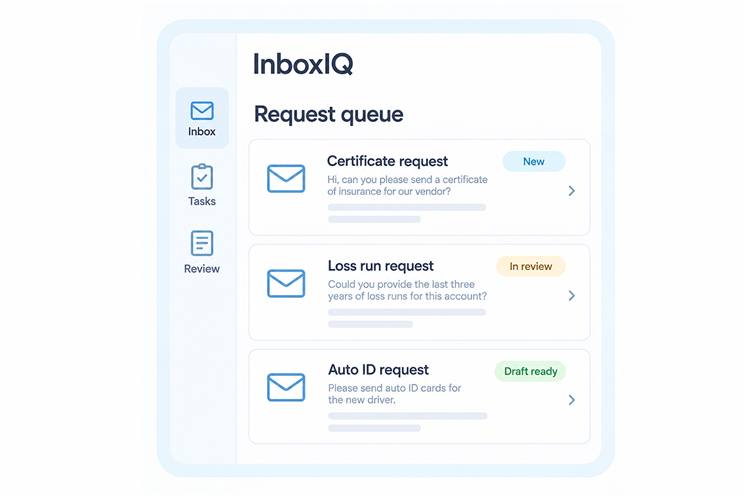
From Insurance Emails to Clear Next Steps
A practical approach to organizing requests, keeping source context connected, and reviewing draft responses with Inbox IQ.

Prepare supported ACORD forms with clear source information, visible gaps, and a defined review and handoff process.

Preparing an ACORD form involves more than placing information into blank fields. The team needs to know which source to use, whether the information is current, and which unanswered questions must be resolved before the form moves forward.
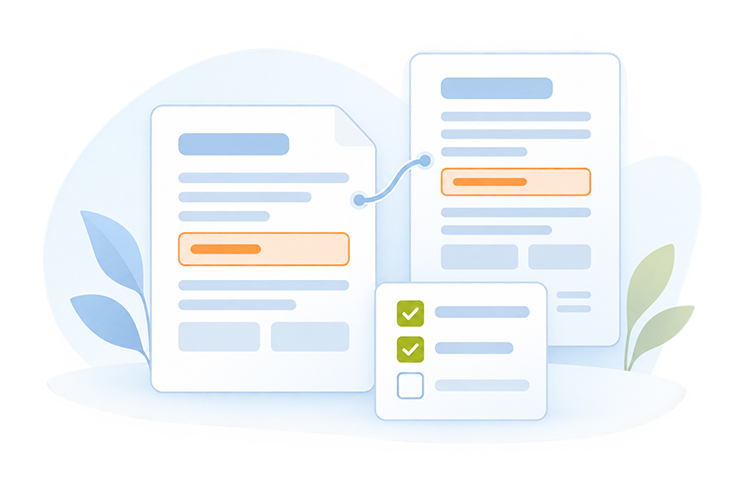
Forms IQ supports this preparation process by extracting available information from approved documents, populating supported form fields, and highlighting details that need attention. The most useful workflow starts with the source information and ends with a deliberate review.
Before preparing a form, confirm the required form type and edition. Establish which fields are supported in the implementation and which need manual input or further confirmation. The source documents should suit the selected form and the work being performed.
Avoid assuming that a previous form is the authoritative source for every answer. It may be a useful reference, but the team should identify what has changed and what needs to be confirmed for the current request.
Bring together the approved application details, schedules, policy documents, or other records required by the workflow. Identify the relevant business, contact, location, and coverage information. Keep the source available so the reviewer can check the prepared values.
When documents disagree, define how the discrepancy will be resolved. For example, if two records show different addresses, the workflow should surface the conflict and direct it to the appropriate person. Consistent preparation depends on knowing which information has been confirmed.
An incomplete field is a prompt for action. The team needs to decide whether the information is required, who can provide it, and whether other preparation can continue while it is outstanding.
Forms IQ helps identify missing or conflicting details so they can be brought into review. A clear follow-up list is easier to manage than scattered questions across emails. Keep the question specific enough that the recipient understands what needs confirmation and why the form is waiting.
Checking individual fields is useful, but the final review should also consider consistency across the document. Confirm that the selected account, locations, dates, and relevant details align with the supplied information and the intended request.
Your reviewer should verify any corrected entries against an appropriate source. Complete the approvals and signatures required by your organization before submission. The preparation workflow should make those responsibilities clear so a populated document is not mistaken for an approved one.
Decide what the next person needs to receive. That may include the reviewed form, supporting documents, confirmed corrections, or a list of unresolved questions. Define the supported output and delivery process during setup.
Keeping these requirements clear helps prevent a form from being passed along without the context needed to use it. Record the review status in the agreed place and distinguish a document ready for further checking from one approved for the next action.
Choose one frequently used form and collect approved examples of the documents that feed it. Include an incomplete example to discuss how exceptions should be handled. Confirm the form’s supported edition and fields with the Acord AI team.
This provides a practical basis for a Forms IQ workflow: less repeated preparation, clearer information gaps, and a defined human review before the completed document is used.



One Platform. Smarter Insurance Operations. Start Your Journey Today.